
All Images
Course overview
Why use a Version Control System?
Committing and History
Figure 1
The relationship between the commands we’ve seen so far and the
different areas of Git are show below: 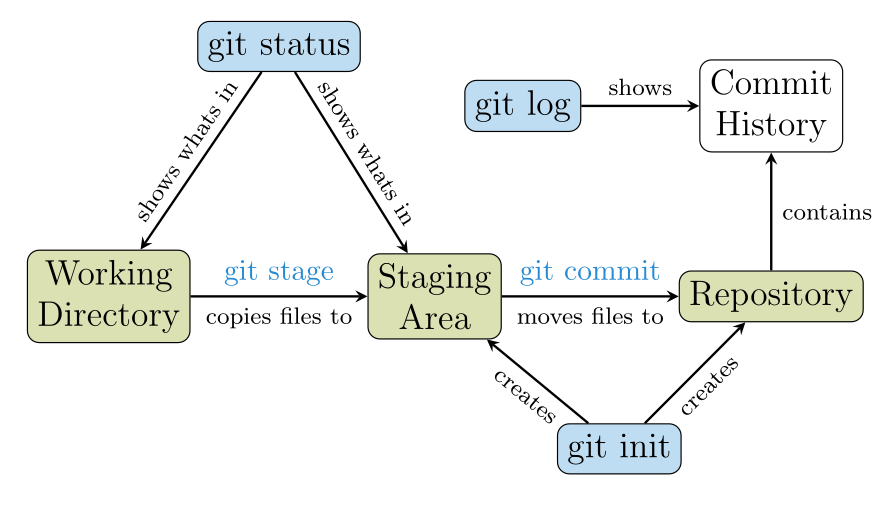
Break
Sharing your code
Figure 1
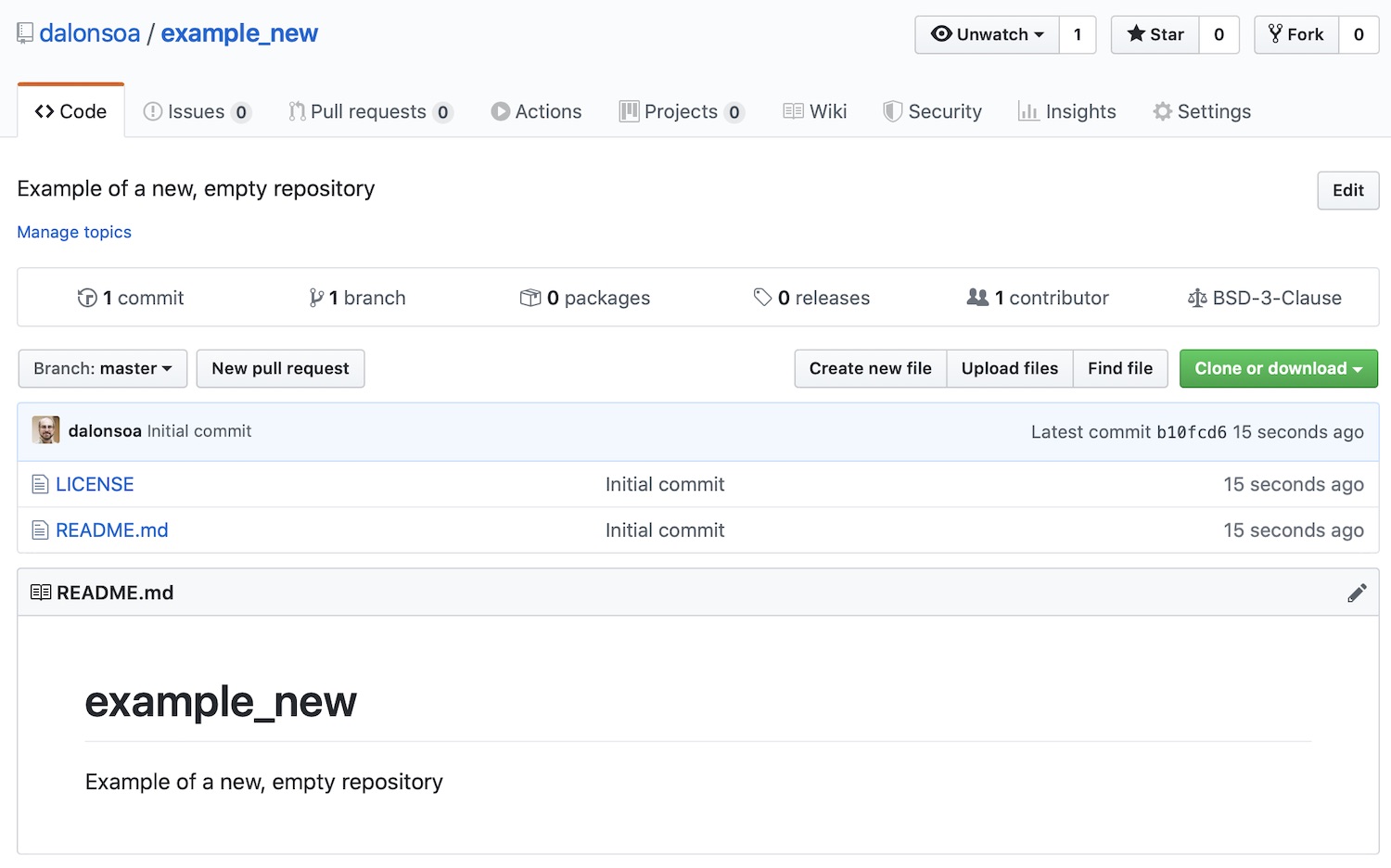
Screenshot of the new repository in GitHub
Remote repositories
Figure 1
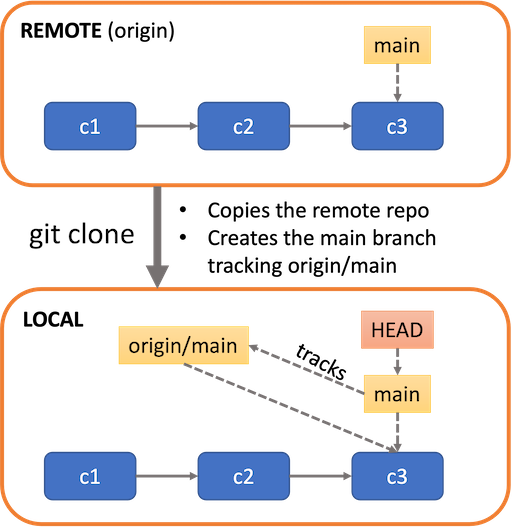
Effect of cloning a remote repository
Figure 2
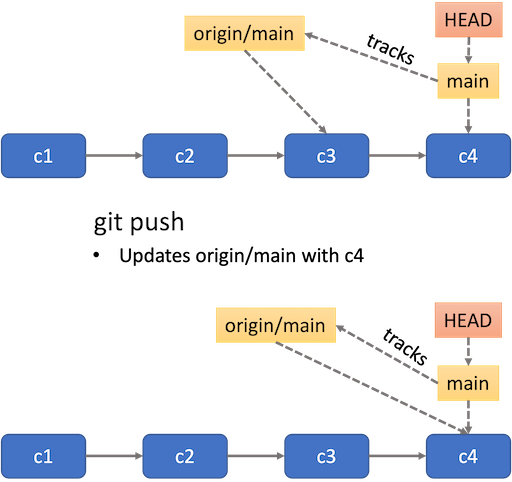
Effect of pushing a branch
Figure 3
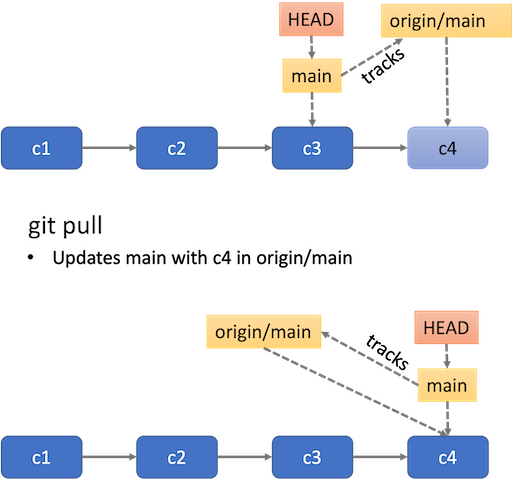
Effect of pulling remote changes
Break
Using GitHub Issues
Figure 1
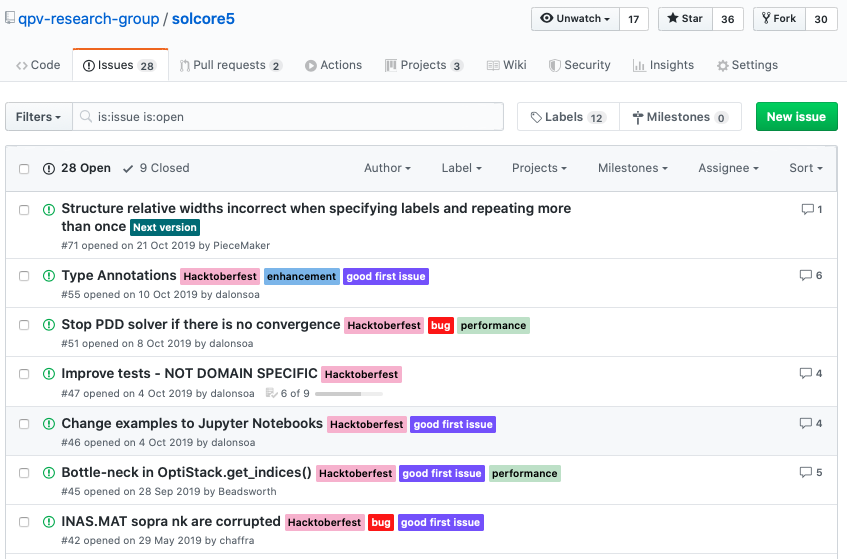
Example of GitHub issues
Figure 2
You have created two new issues and your issues page should look
something like this: 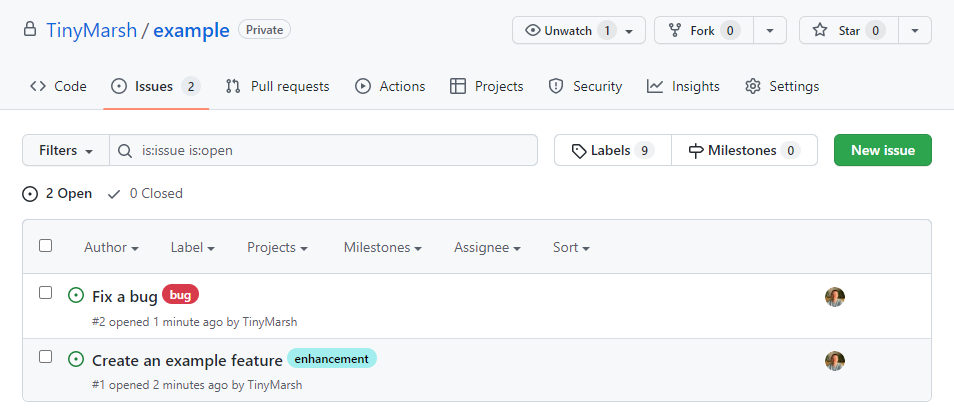 Notice the labels have been added next
to the issue title, and the assignees’ profile pictures are visible
too.
Notice the labels have been added next
to the issue title, and the assignees’ profile pictures are visible
too.
Figure 3
You should now have a third issue which contains a task list which
references the two issues you created earlier. 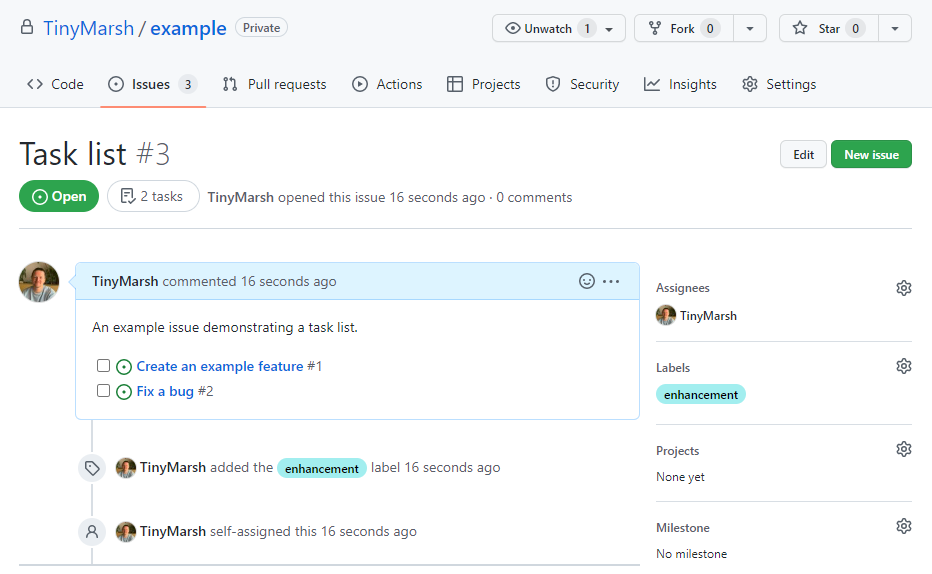
Figure 4
In your task list issue you should find that one of the referenced
issues now has a tick next to it, indicating that it is closed. 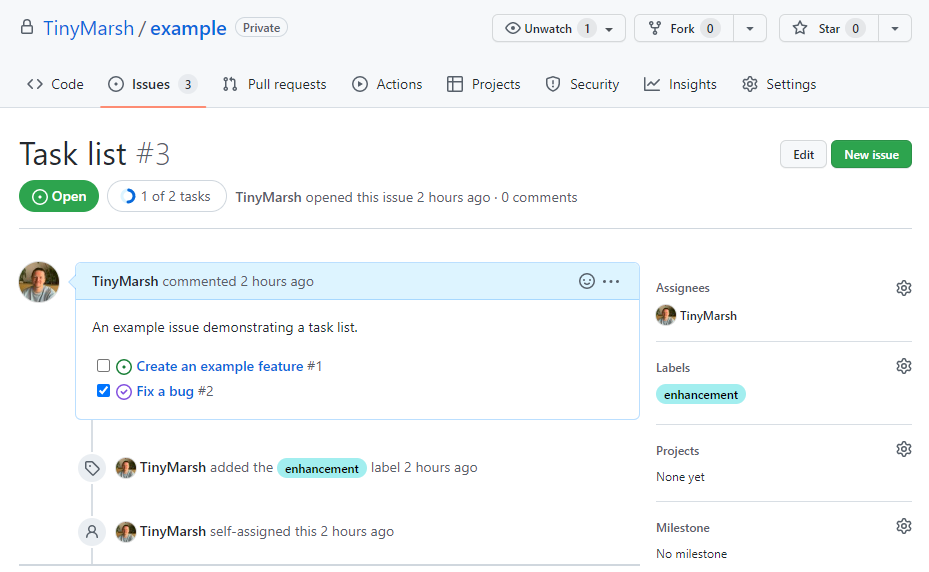
Using GUIs and IDEs
Figure 1
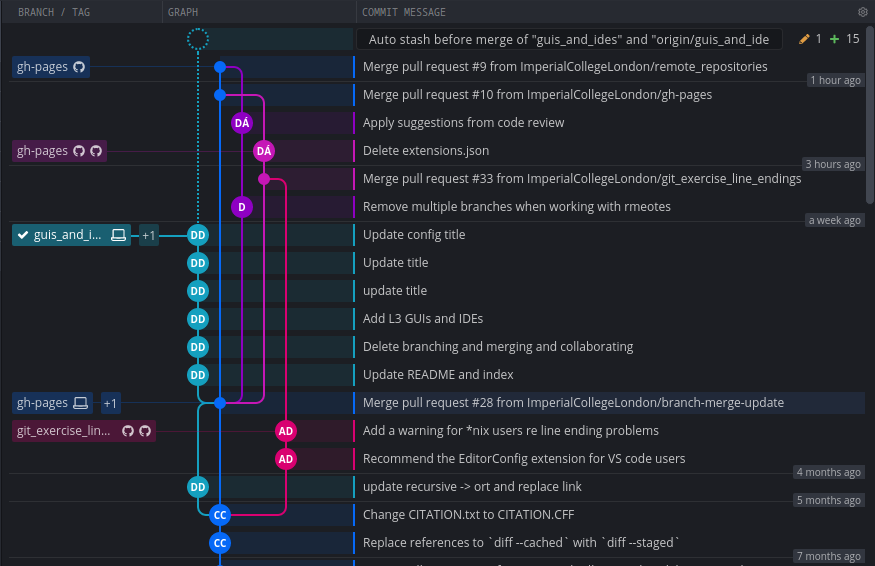
Example of a complex repository
Figure 2
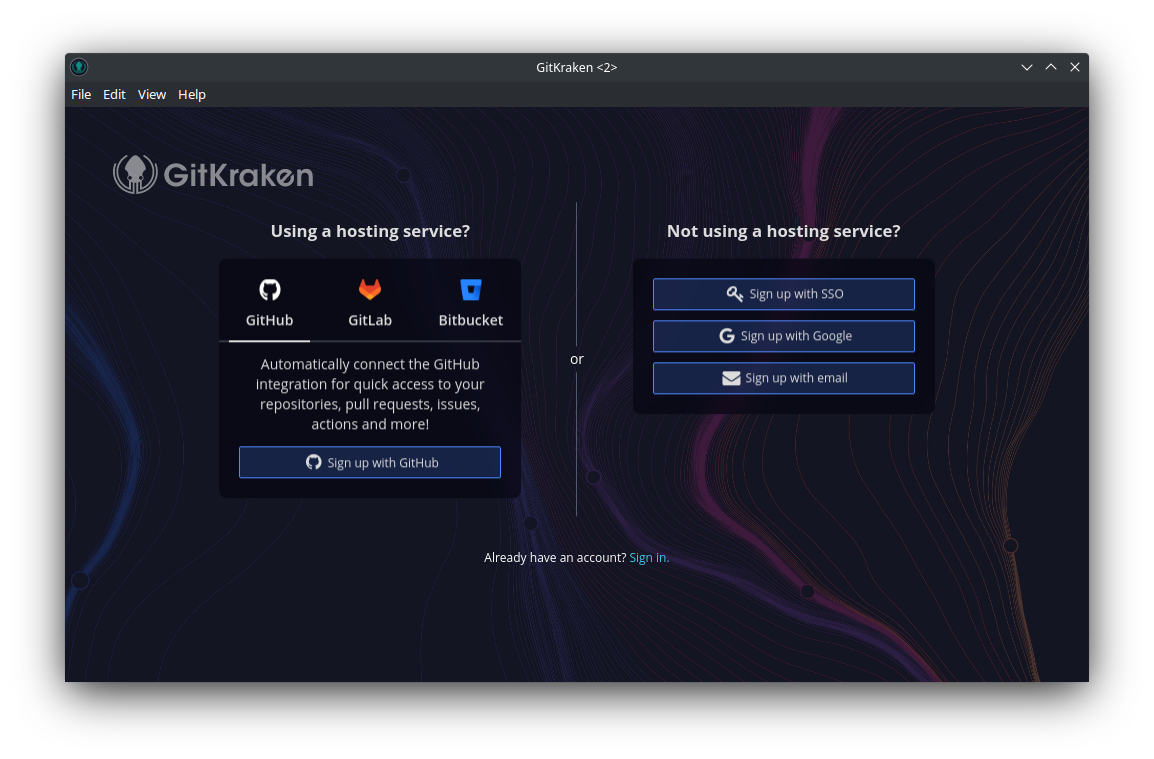
Sign up for GitKraken with GitHub account
Figure 3
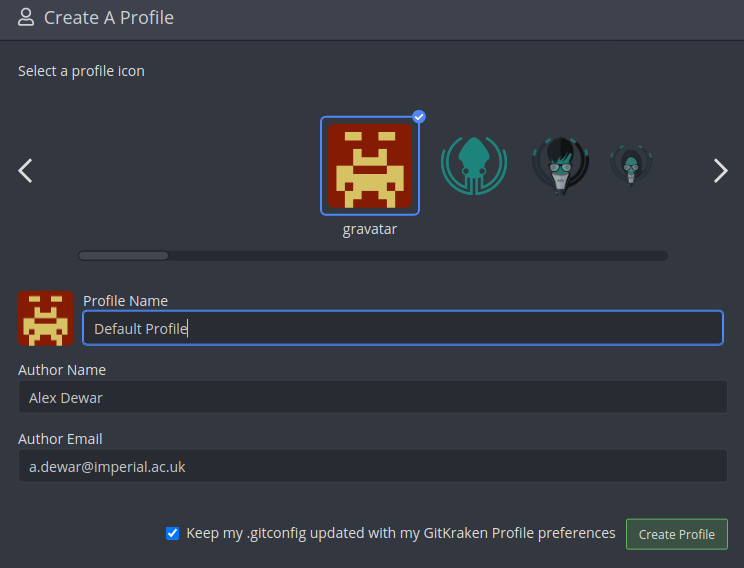
Creating a GitKraken profile
Figure 4
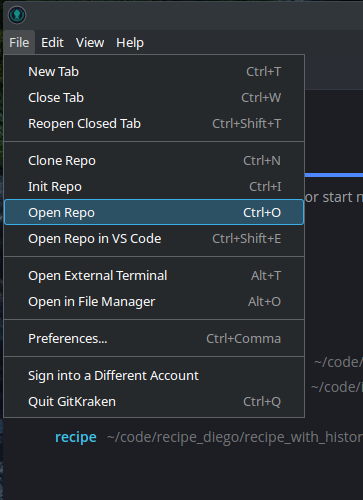
Opening an existing repository in
GitKraken
Figure 5
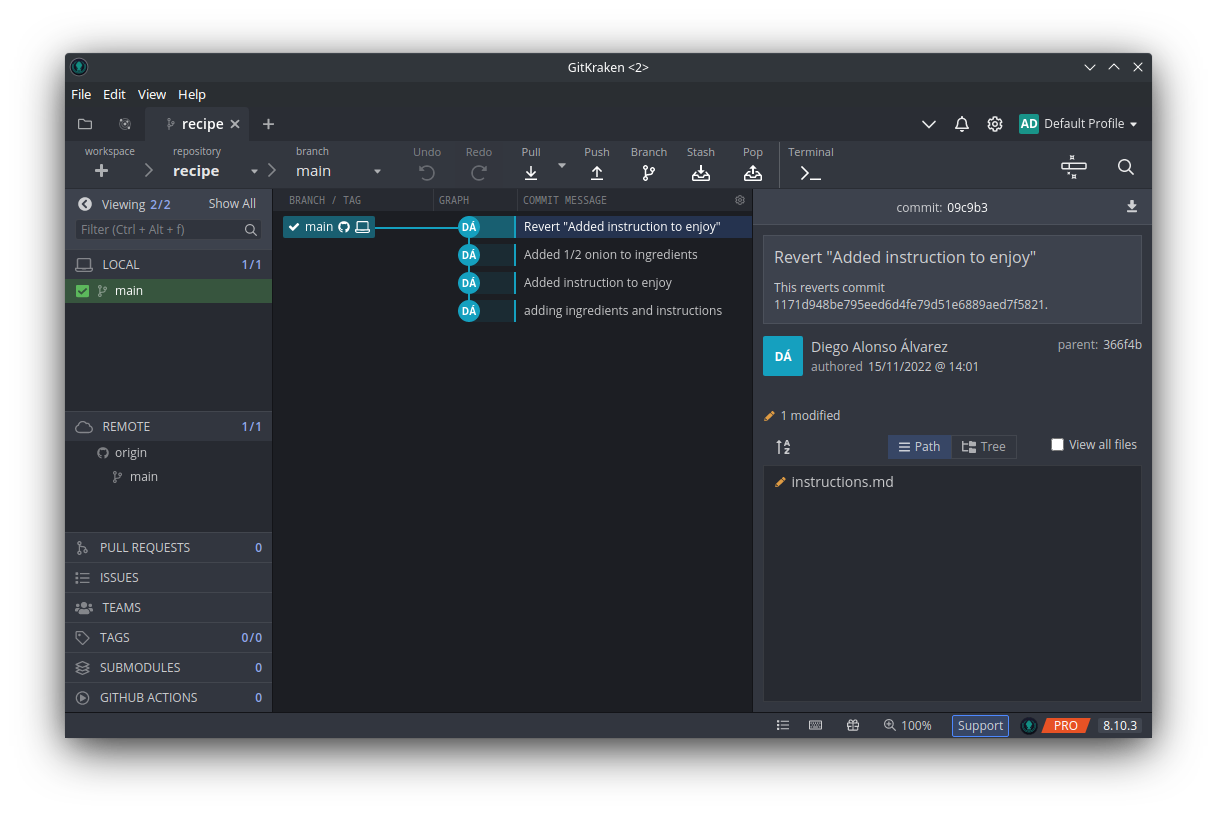
Viewing the recipe repository in GitKraken
Figure 6
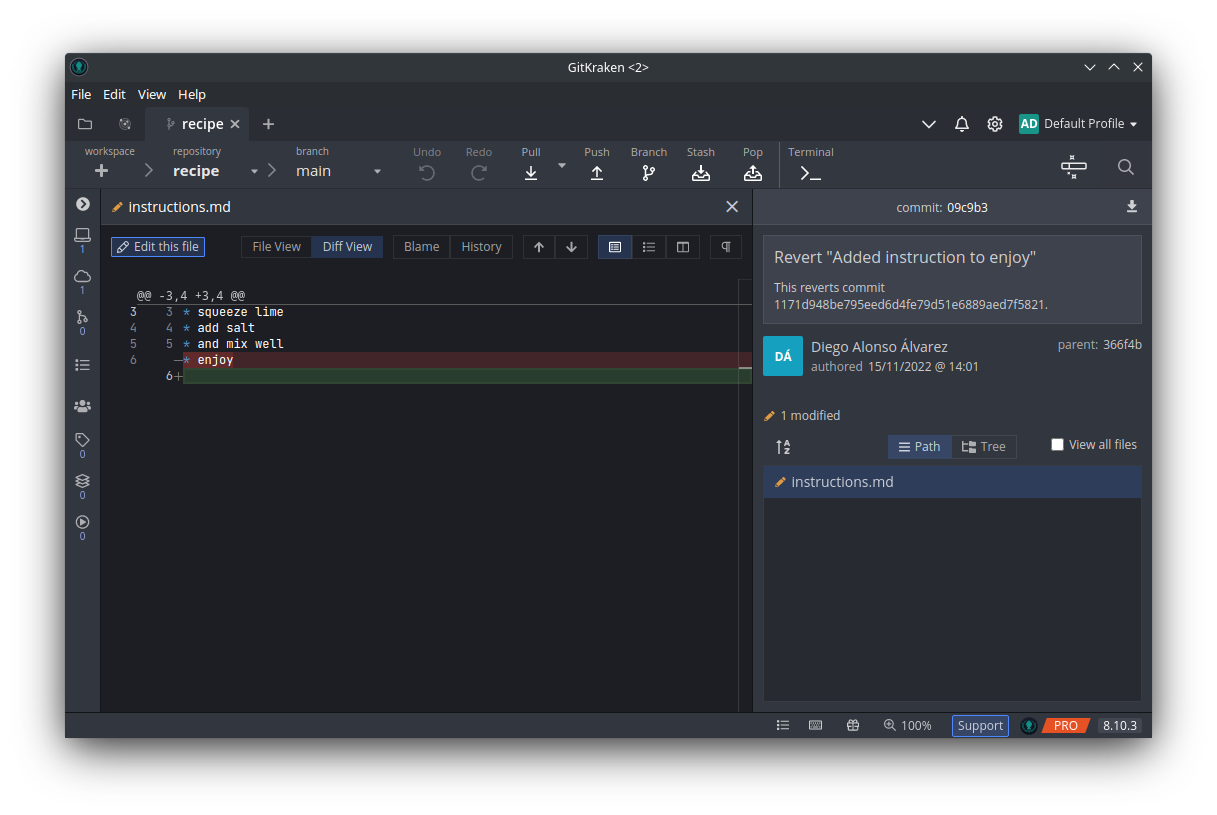
Examining file modifications in GitKraken
Figure 7
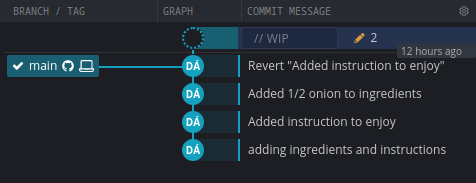
Viewing modified files in GitKraken
Figure 8
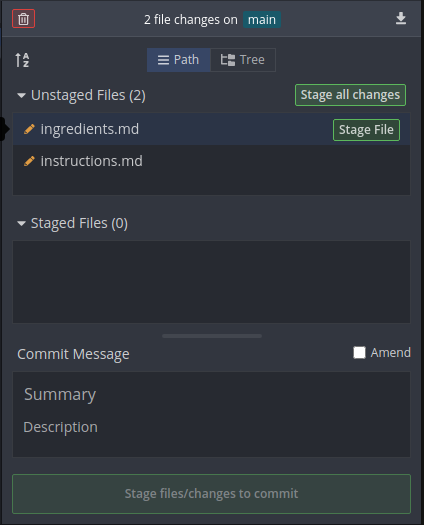
Viewing unstaged changes in GitKraken
Figure 9
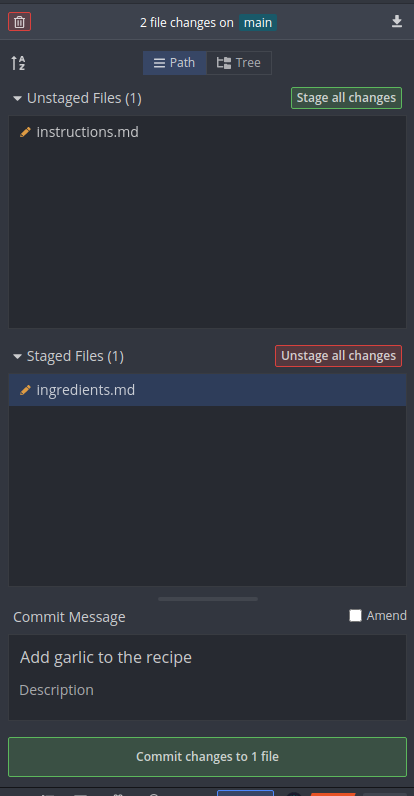
Committing changes in GitKraken